|
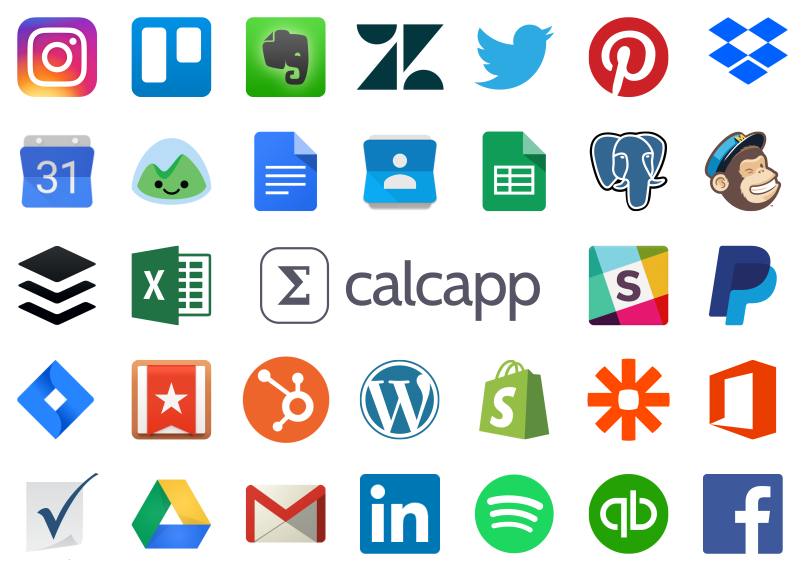
Buttons you add to apps can now integrate with
thousands of services, courtesy of the Zapier
platform. Add a row to a Google Sheets spreadsheet,
send a message to a Slack channel or create a
Salesforce lead when a button in your app is
pressed. There are nearly unlimited possibilities.
Watch a video tutorial demonstrating how to make your app add rows to a Google Sheets spreadsheet »
Here are a few more use cases you can now realize:
-
Add data from your app to a Google Sheets,
Microsoft Excel or SmartSheet spreadsheet. You can
also update existing rows.
-
Send a message to a Slack channel, containing some
of the data filled out by your user and the
results calculated by your app.
-
Send a tweet through Twitter or a status update
through Facebook, again incorporating data from
your app.
-
Create a new sales lead in Salesforce.
-
Send email through Gmail or MailChimp.
-
Add cards to Trello.
-
Add a new event to Google Calendar or Microsoft
Office 365.
-
Add new tracks to a Spotify playlist.
-
Add a new note to Evernote or Wunderlist.
-
Publish a new WordPress post.
-
Send text messages (SMS) to cell phones through
Twilio.
-
Add customers to Shopify.
-
Add contacts in a CRM system such as Zoho CRM.
-
Add or update rows in a SQL database, including
MySQL, Microsoft SQL Server, PostgreSQL and
Oracle.
Watch the video tutorial to learn more »
|