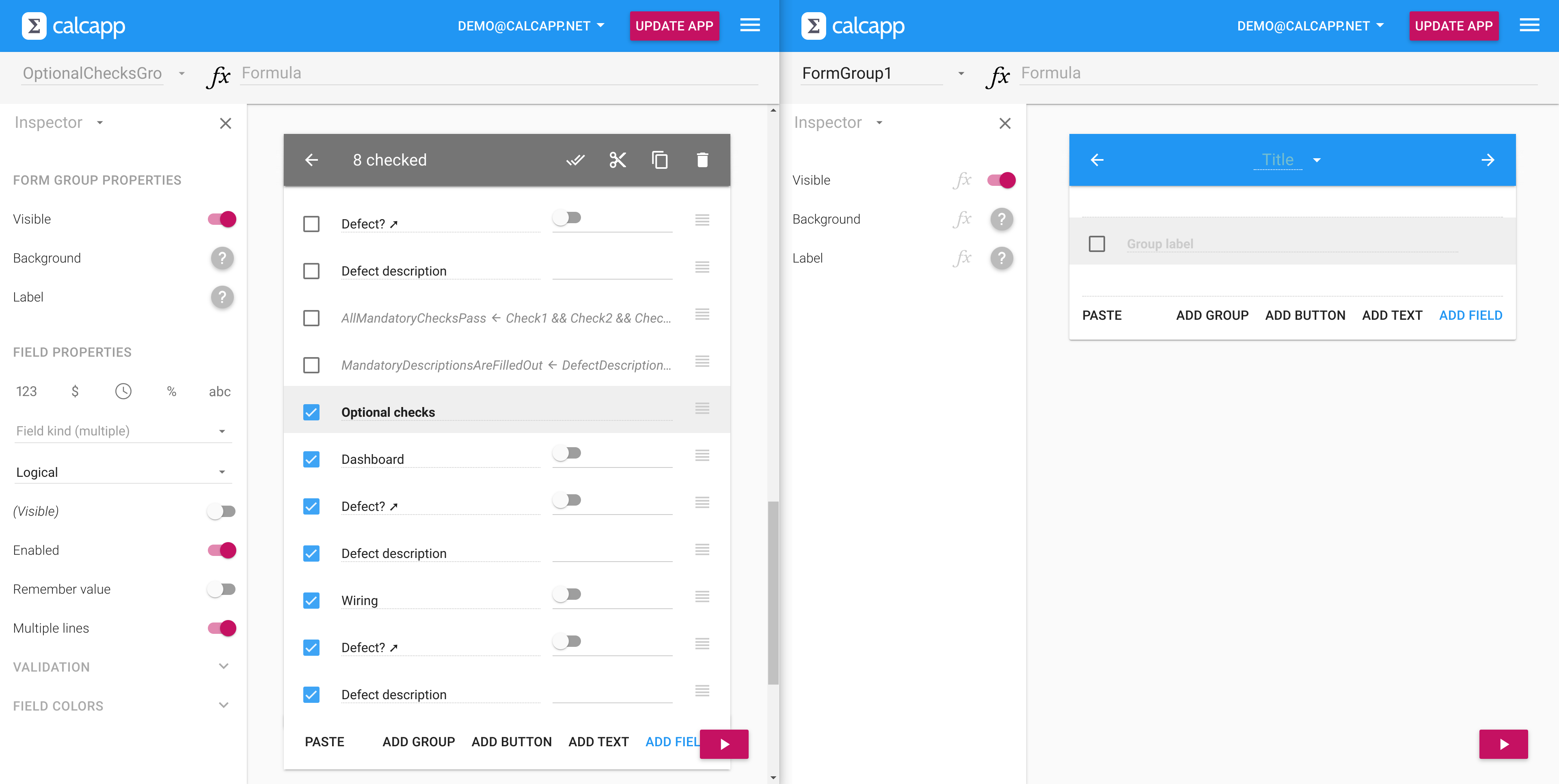
When copying and pasting fields and screens from one app to
another, it really helps if both are displayed side-by-side. This
tip explores how to achive this.
Our next release has been slightly delayed, because we are adding
new features to it. Two of those features are announced in this
post, including a better formula editing experience and an easy way
to check multiple items in Calcapp Creator.
Iteration means that a value is calculated by performing a number
of steps, where the result of the previous step is fed into the
current step. Use REDUCE to implement iteration with Calcapp.
Calcapp will become significantly better in the coming months.
Action formulas will enable buttons to run formulas, and a new data
editor will allow you to easily incorporate spreadsheet data into
your apps.
Can the switch field selections made by a user be summed up in a
single text field sentence? Yes, and there are two ways to do it,
one using old-style formulas and one using the new formula engine
we introduced in November.
In this post, we create an app that displays all legal US holidays
for a given year. The app adapts a formula created for Microsoft
Excel and uses new functions introduced with our new formula
engine, like FORMATDATE, FILTER and TEXTJOIN.
When formatting dates, you can choose from five pre-defined date
formats. What if you want a custom date format? For output fields,
you can use text fields and formulas to achieve this. This post
explores two formula approaches.
Our biggest release ever is here, celebrated with 23 blog posts.
Use 100+ new functions, including XLOOKUP and SUMIFS. Determine the
next screen and what fields are included in a report using
formulas. Several thousand formula examples help you get started
with all the new features.